Reusable process architecture
Workflow Duplication
Reuse successful workflows without rebuilding them from scratch.
Copy an existing Mynix workflow with its configured structure intact, then adapt it for another team, department, project, or use case.
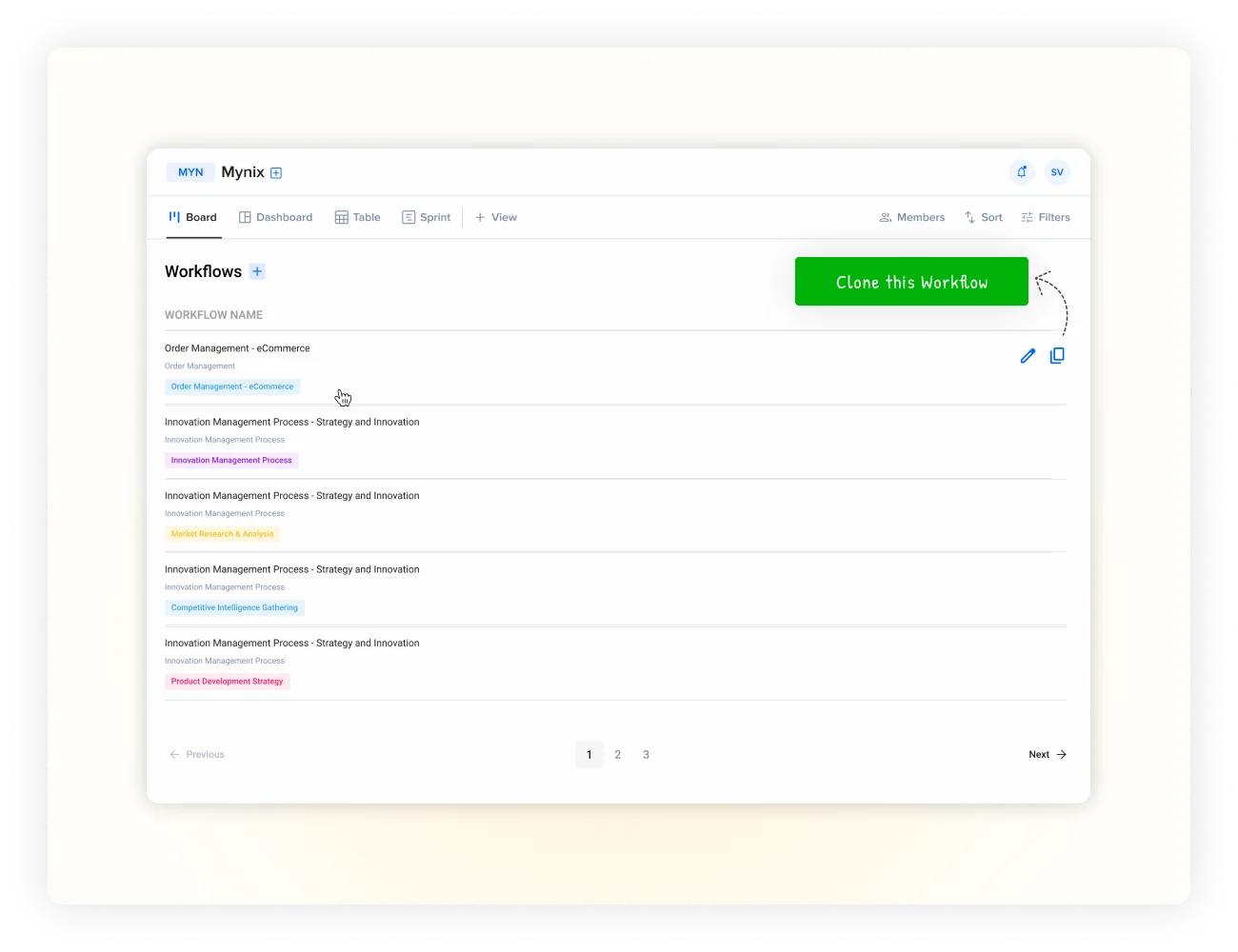
Workflow Duplication at a glance
Take a workflow that already works and create a new version from it.
Reuse the structure your team has already configured, without forcing the next team or project to start from a blank page.
Start with a workflow you've already configured and want to reuse.
Carry forward configured phases and supported workflow settings.
Make the changes needed for a new team, department, or project.
Use the duplicated workflow immediately instead of rebuilding it.
Why duplicate?
Don't rebuild what already works.
When a workflow has been carefully configured, recreating the same structure wastes time and introduces unnecessary differences.
Duplicate and make it your own
Keep the original intact while the copy evolves independently.
Start with the existing process, choose where the duplicate belongs, and make only the changes required for its new context.
- ✓Reuse the workflow you've already built
- ✓Choose the destination team or department
- ✓Adjust requirements and responsibilities
- ✓Keep the original available as a reference
What moves with the workflow
Reuse more than a list of phases.
Duplication can carry forward the configured workflow structure and supported settings, so your team does not have to recreate them manually.
Workflow structure
Reuse the phases, ordering, names, and organization of the original workflow.
Forms and configuration
Carry forward configured elements that belong to the workflow.
Rules and notifications
Reuse supported workflow behavior instead of rebuilding it.
Visual settings
Keep relevant presentation and configuration from the original.
The exact items available for duplication can depend on your Mynix configuration.
Configure the copy
Choose the new context before you start.
Use the duplication setup to name the workflow, choose its destination, and decide which supported elements belong in the new version.
Choose the workflow that already contains the process you need.
Choose the team, department, or project for the new workflow.
Include the supported structure and settings for the new context.
Review the copy, apply local changes, and start using it.
One workflow can become many
Scale consistency without losing flexibility.
Duplication gives teams a repeatable foundation while leaving room for the changes each context requires.
Share a proven process
Give another team the same foundation while keeping its own ownership and requirements.
Start similar work faster
Reuse a successful project workflow whenever a comparable project begins.
Support local variation
Give regional teams a consistent starting point with room for local adjustments.
Create useful versions
Build variations while preserving the original workflow as the foundation.
From one workflow to many
Build once. Prove it. Reuse it everywhere.
Turn a successful setup into a reusable foundation for the next team, project, or process.
Make successful workflows reusable.
Stop rebuilding the same processes. Start with what already works and adapt it wherever you need it.