Scan the whole project
Keep records, ownership, status, and deadlines in one view.
Detailed data management
See more. Find faster. Work with your data your way. Table View brings structure to busy projects, helping teams scan tasks, compare records, customize columns, and work with data at scale.
See the project clearly
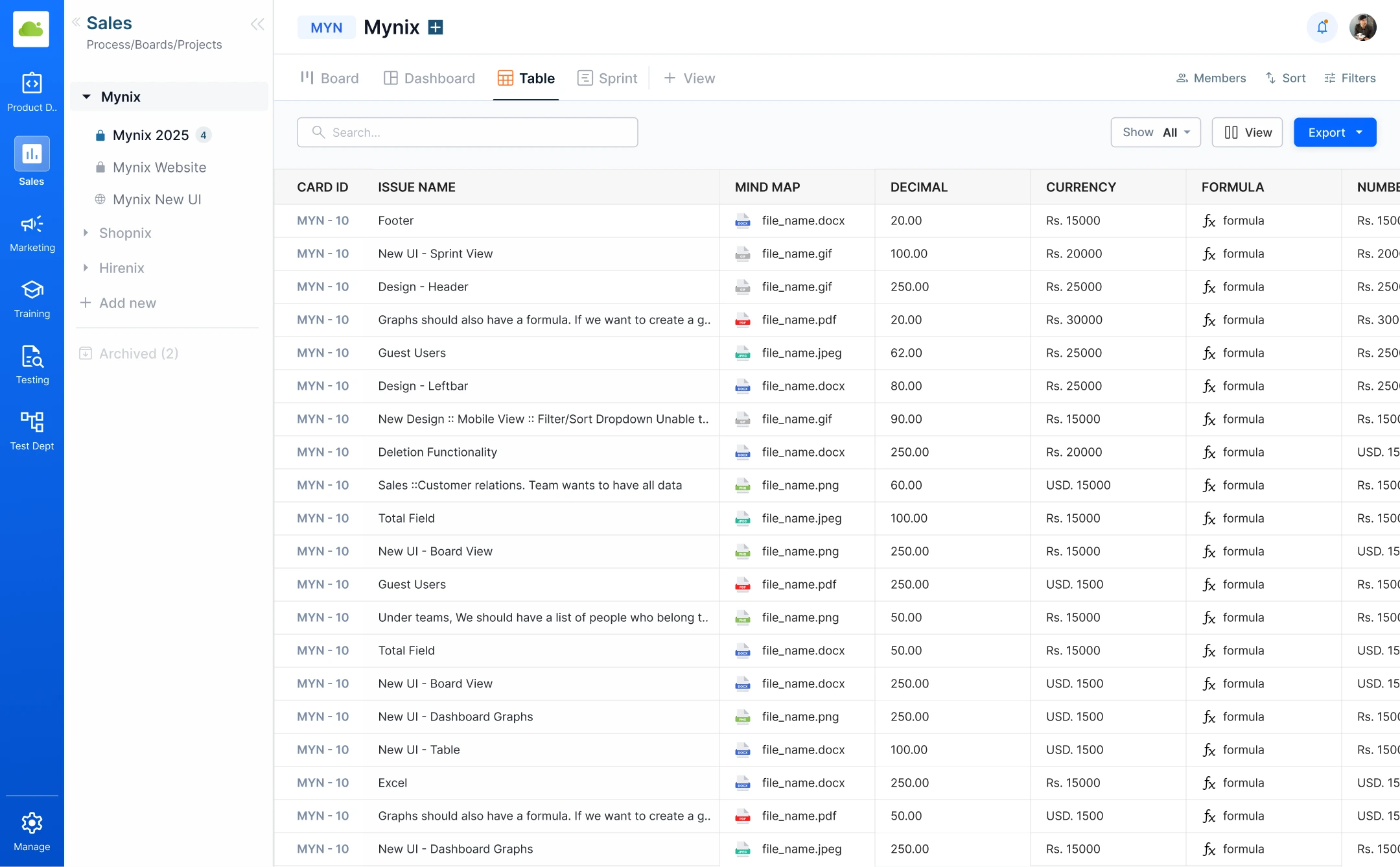
When a project has many records and many moving parts, Table View gives your team a consistent way to read what is happening.
Keep records, ownership, status, and deadlines in one view.
Read the fields that help you make the next decision.
Work through detailed information without opening every card.
Make the view yours
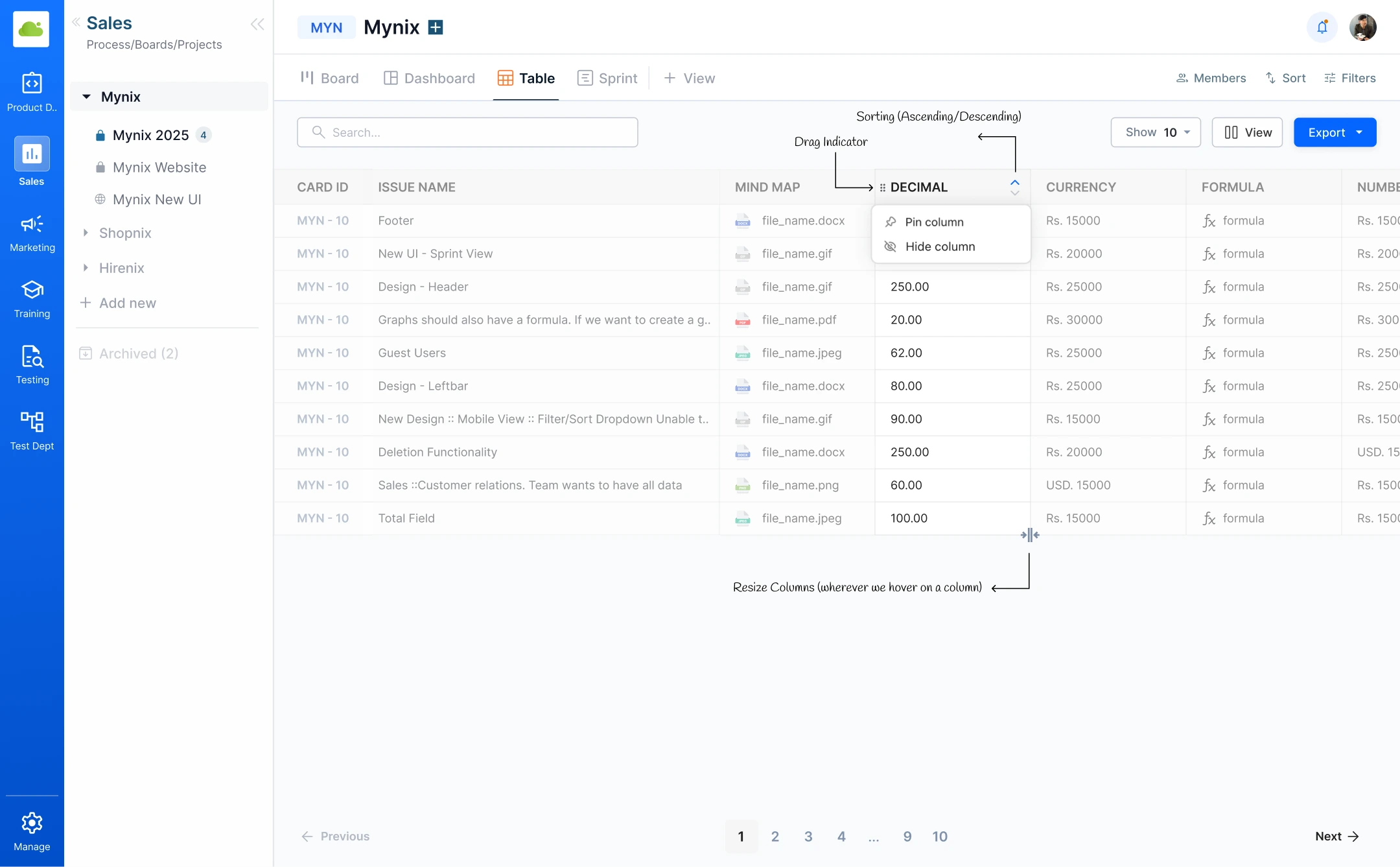
Different teams ask different questions of the same project. Configure the view around the way your team reviews work.
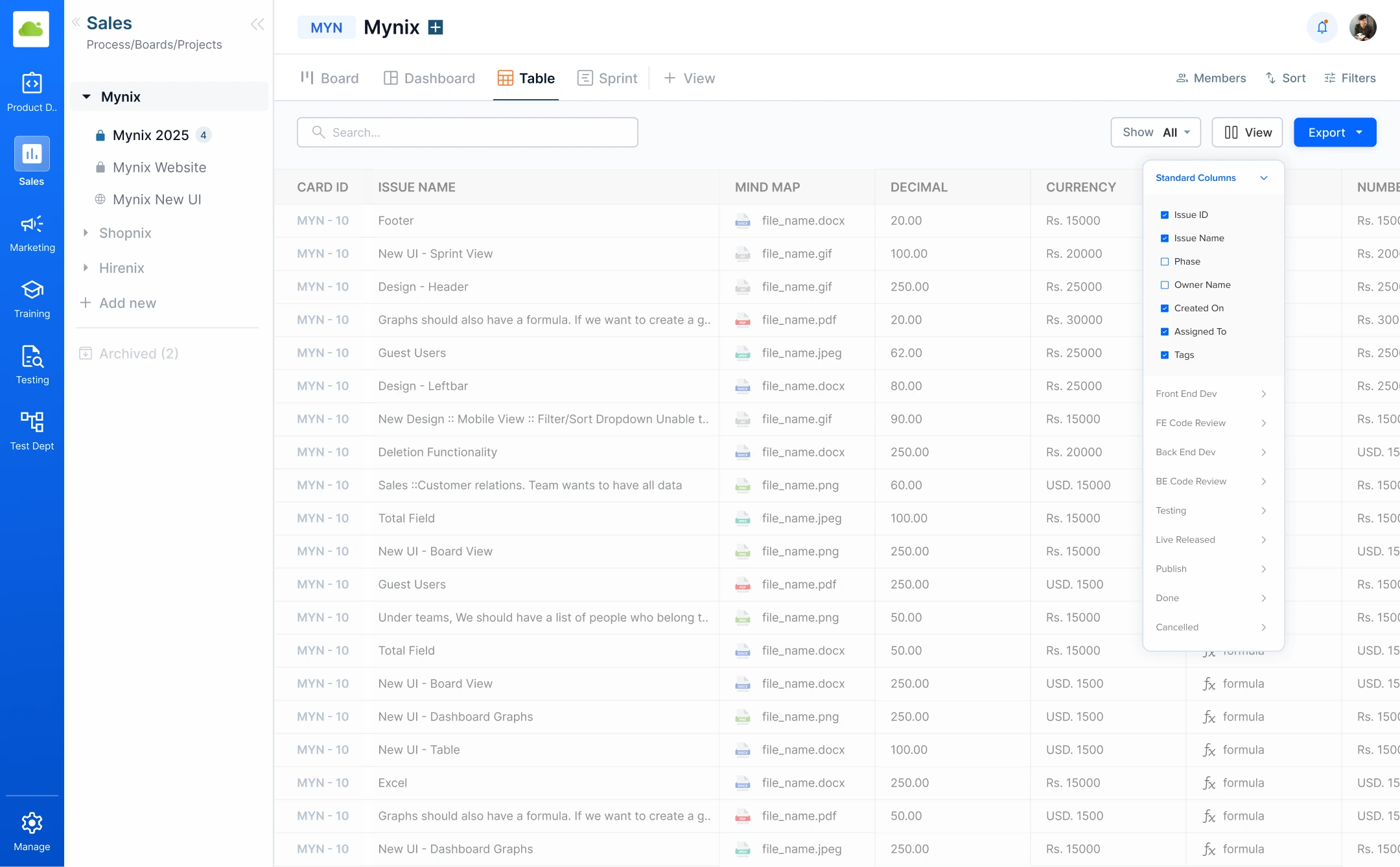
Keep the visible fields focused on the work at hand.
Put the fields your team uses first.
Give important details the space they need.
Return to a familiar view whenever you need it.
Search and filter
Find the records that matter with search, standard filters, stage-specific filters, and saved combinations for repeat reviews.
Start with the terms you already know.
Use status, priority, assignee, or dates.
Keep repeat questions ready for next time.
Focus attention where it can change the outcome.
Work across multiple records
Select a working set, update supported fields together, or export selected and filtered data when the work needs to move beyond Mynix.
Choose the records that belong to the current action.
Apply supported changes across multiple records.
Export the data for reporting or further analysis.
Organize the information
Sort by priority, due date, status, or another field that fits the question in front of you. A useful order makes a detailed review easier to act on.
Change the sort field to match the review at hand — no need to rebuild the view.
Built for detailed work
One structured view supports the teams that need to review, manage, and report on a large amount of work.
Compare information without opening every card. Audits, approvals, and quality checks.
Update and organize project data efficiently. Operations and recurring work.
Filter the information you need and export it for further analysis. Reviews and stakeholder updates.
For every detailed workflow
Audit records, approvals, and exceptions methodically.
Keep recurring work and large record sets moving.
Prepare focused information for decisions and updates.
Make ownership and next steps visible across the team.
A repeatable review rhythm
Table View keeps the path from information to action clear and repeatable.
Start with the complete project context.
Choose the fields and order that fit the question.
Search and filter to the records that matter.
Manage, report, or export the result.
The complete review journey
Move from a complete project view to a focused action with a repeatable review rhythm.
Bring every record into one structured view and make the next decision easier to find.