Create
Start work visually with cards that belong to the workflow from the beginning.
Card & data management · connected work items
Bring cards, data, assignments, collaboration, and accountability into one connected work management experience throughout the entire workflow.
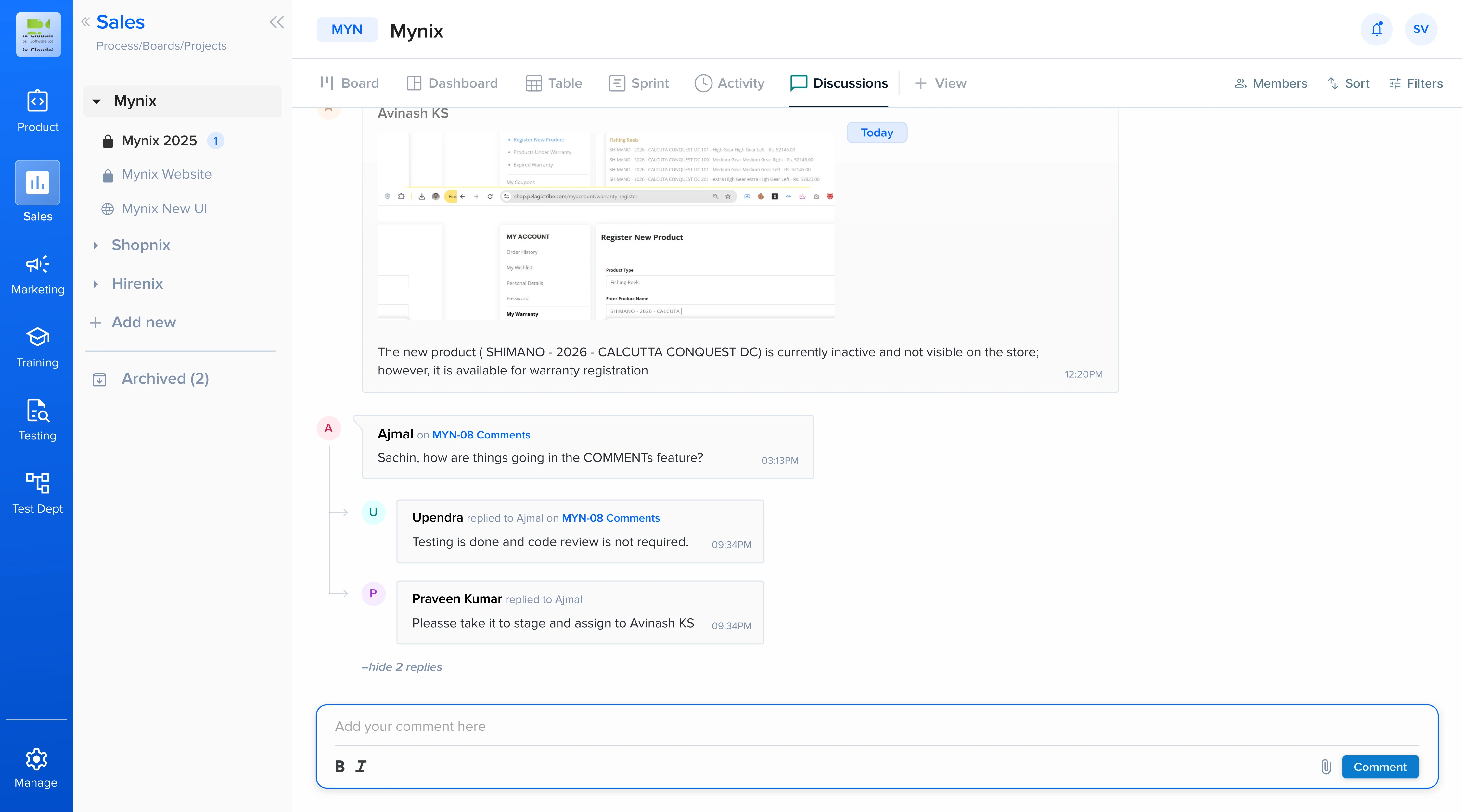
One place for the work behind every workflow
Cards are the core work items that move through workflows. Card & Data Management brings the lifecycle together, from creating a card and collecting phase-specific information to assigning work, collaborating with teammates, tracking changes, and monitoring commitments.
Manage the activity and the data around it without splitting the work across disconnected tools.
Organize work visually and move it through workflow phases with drag and drop.
Collect the information relevant to the stage where work is happening.
Make ownership clear across individuals, teams, and roles.
Maintain historical visibility into actions, decisions, and accountability.
The connected card lifecycle
Cards become more than simple task containers when data, people, conversations, dependencies, and commitments stay connected.
Start work visually with cards that belong to the workflow from the beginning.
Collect structured, phase-specific information with validation and controlled fields.
Keep comments, files, mentions, and decisions attached to the relevant work item.
Track commitments, history, dependencies, and outcomes through completion.
Capture the right data at every phase
Phase Data Collection uses smart forms and field rules to collect relevant information while maintaining data quality throughout the workflow.
Present structured fields that match the current phase of work.
Keep information accurate before it moves to the next stage.
Protect sensitive information while keeping the right data available.
Assign work intelligently
Distribute cards according to how your organization operates, with individual, team, and role-based assignment supported by workload and capacity context.
Make the person responsible for the next action visible.
Route work to the team that owns the operational stage.
Consider capacity, availability, and existing workload.
Use operational rules to send work where it belongs.
Collaboration and connected work
Card collaboration and linked work make context available where teams need it, without forcing people to search through disconnected conversations or tools.
Keep discussion, dependencies, ownership, and activity connected to the work item.
Use comments, files, @mentions, and work-item discussions.
Connect dependencies and related work across projects.
Keep relevant people close to changes and decisions.
See how related work contributes to the larger workflow.
From work item to workflow control
Add a card from the board or use Card Quick Add in the START Phase.
Collect phase-specific data and validate the information required.
Route ownership, balance capacity, and keep conversations with the card.
Follow SLA commitments, linked work, unsaved changes, and activity history.
Protect every work item
Card & Data Management combines safeguards, time-based commitments, and complete history so teams can trust the state and story of their work.
Warn users before accidental navigation discards changes to descriptions, fields, tasks, or other card information.
Define time-based commitments and identify cards that need immediate attention.
Record what happened, who performed the action, and when it occurred.
Use auditability and historical visibility to investigate changes and support compliance.
Visibility, automation, and data integrity
Bring the major card and data capabilities together without losing the context that makes each work item actionable.
Understand progress, assignments, relationships, and data movement.
Route work using workload, skills, availability, and operational rules.
Combine validation rules with activity history to protect information.
Keep files, mentions, conversations, and work context together.
Organize cards, connect data, assign ownership, collaborate in context, and track every commitment as work moves forward.