Org Admin
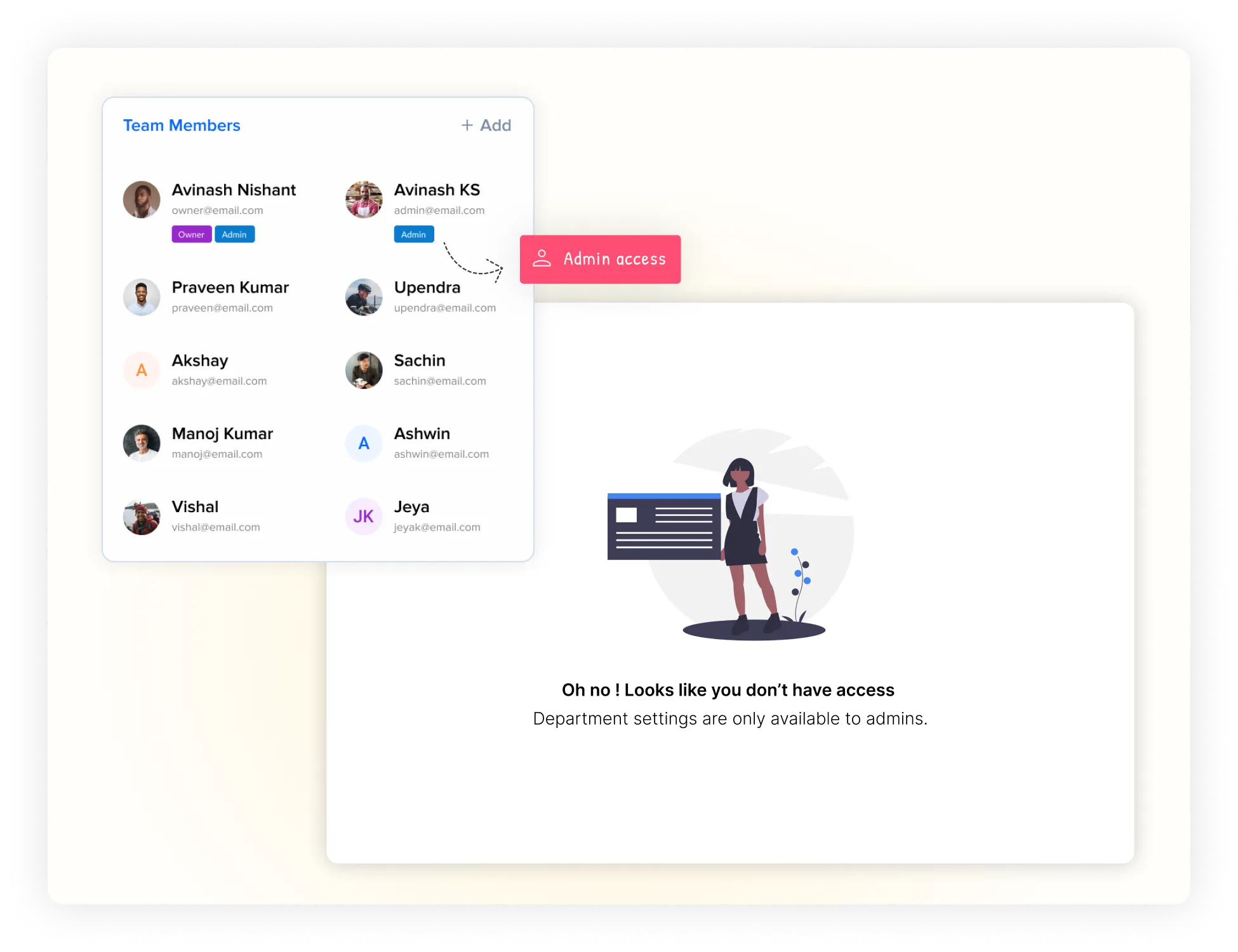
Full control over the entire organization, departments, and system configurations.
Security & Permissions
Structured permission model defining access and management based on role and scope. Keep your business information safe and organized with smart permissions that ensure everyone sees exactly what they need to see — nothing more, nothing less.
Control access based on user roles
Different responsibilities map to different actions — isolated by role, department, and project. Six role types cover every kind of user in the system.
Full control over the entire organization, departments, and system configurations.
Manage projects and members within their assigned department scope.
Admin permissions isolated to the specific project they are assigned to.
Access assigned cards and collaborate with team members on tasks.
Log in to view, access, and submit assigned internal forms.
Access and submit forms publicly via shared links without account logins.
Interactive simulator
Click on any role to see their scope, permissions, and available resource access.
Understand user access
Users only receive access appropriate to their responsibilities. Here is the full matrix.
| User Type | Access Scope | Key Permissions |
|---|---|---|
| Org Admin | Entire Organization | Add Edit Delete across all departments and workflows |
| Dept Admin | Assigned Department and its Projects | Add Edit Delete restricted to the assigned department scope |
| Project Admin | Assigned Project | Add Edit Delete of boards, cards, and team roles within that project |
| Normal User | Assigned Cards / Projects | Add cards, view project items, edit and shift status on assigned cards |
| Submitter User | Assigned Forms | Log in, view form fields, and submit records to the database |
| Public User | Shared Public Forms | Access public links and submit forms without an active Mynix account |
Why use ACL Matrix
Mynix simplifies this with role-based access and clear scope boundaries.
Users receive access automatically based on their assigned role and responsibilities.
Department and project administration can be assigned specifically where required.
Users don't need organization-wide permissions when their scope is a single card or form.
Separate permissions for internal admins, regular users, submitters, or external guest forms.
Detailed role breakdown
And where to assign admin scopes across the platform.
Has full organization-level access across Mynix, with permissions to Add, Edit, and Delete across all departments, user bases, workflows, custom fields, and billing items.
Can access and manage resources under their assigned department. Permissions include department settings, workflow creations, and department-level user mappings.
Administrative access inside a specific project. They can invite team members, assign cards, change workflows, and update settings for that board only.
Standard company team members. They can append cards, view workflows, edit values on cards assigned to them, and collaborate on tasks.
Intended for users who only input values. They can log in but their sole capability is access and submission of internal forms assigned to them.
Allows external partners, customers, or participants to submit data without an active Mynix account through a shared public form link.
Three levels of business privacy
Public, restricted, or completely private — choose the level that matches the data.
Accessible by everyone in your organization. Perfect for company manuals, standard guidelines, shared repositories, and events.
Restricted to members of specific departments or projects. Used for day-to-day workflow tasks, client lists, and operational data.
Only visible to specific authorized individuals. Essential for files like payroll spreadsheets, client contracts, and CFO reports.
No separate configuration required
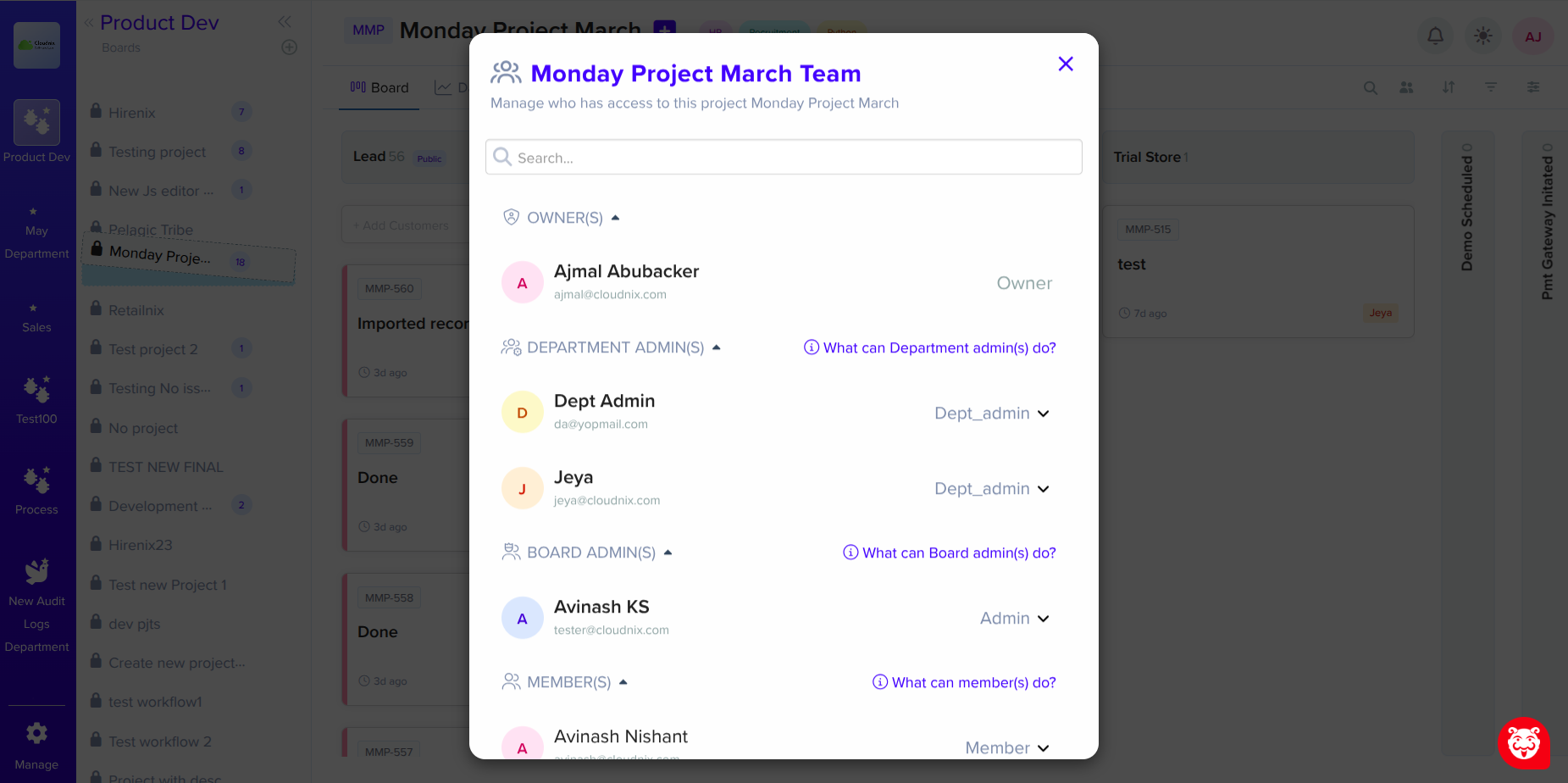
Adding a department or project admin is seamlessly embedded in standard administration tabs.
Department → Settings → Admin → Search User → Add User
Project → Project Team → User List → Make User Project Admin
Mynix maps permissions instantly based on these assignments.
Real-world scenarios
See how teams protect critical assets with role-based access.
Isolate client workspaces. Designers see only their assigned projects, while client accounts run on Guest/Public forms.
Strict patient charts isolation. Doctors have full access, receptionists view appointments, and billing team gets specific form access.
Release flows. Project Admins handle sprints, developers push code cards, and outside QA analysts submit issue tickets.
Strict audit boundaries. Advisors access local portfolios, Compliance officers get read-only verification access across all sheets.
Top-down hierarchy
Administrators retain full visibility, team members focus on executing work, and external stakeholders write data through form validation.
Next steps
Ensure security, organization, and authentication align across your platform.
Define roles, assign scopes, and enforce data isolation across your organization with the ACL Matrix.