Phase forms
Collect only the information relevant to the current workflow stage.
Forms that move with the work
Connect forms directly to your business workflows. Make forms an integral part of your business processes — create phase-specific forms, carry information between workflow stages, enforce required data, and automatically trigger actions as work progresses.
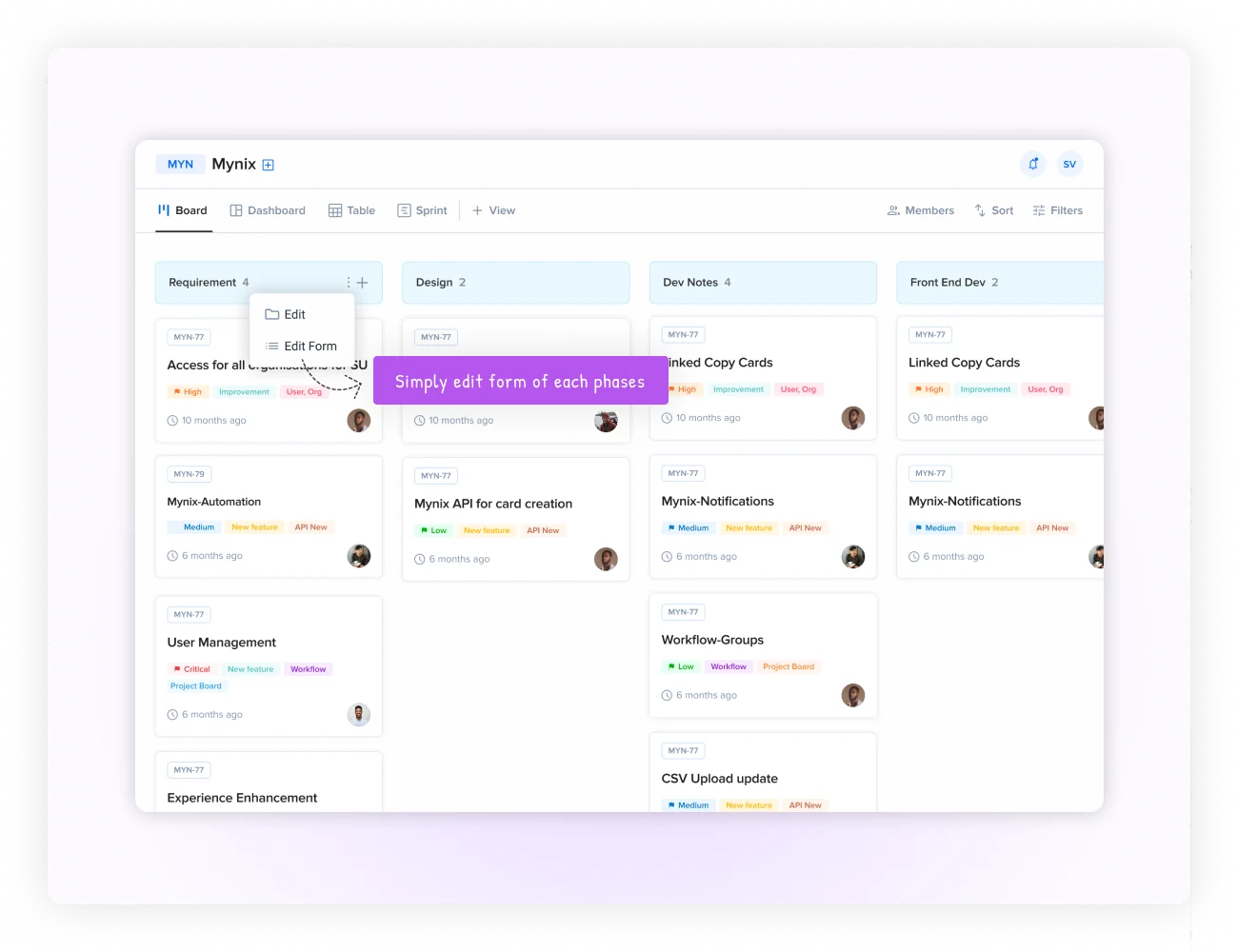
Forms belong inside the process
Collect only the information relevant to the current workflow stage.
Carry context from earlier stages into later forms without duplicate entry.
Use submissions to advance work, notify people, and update records.
Phase-specific data collection
Different phases can collect different information while remaining part of one connected workflow. Collect only the information required at the current point in the process, give teams the fields that matter for the work they are performing, and shorten the journey so completion is faster.
Collect only the information required at the current point in the process.
Give teams the fields and details that matter for the work they are performing.
Shorter, relevant forms reduce friction and unnecessary data entry.
Use phase forms for sales, onboarding, approvals, service, and delivery.
A connected workflow
Each form adds context while the workflow preserves the complete story from qualification to close.
Company, contact, budget, and fit.
Goals, requirements, and stakeholders.
Scope, pricing, and commercial terms.
Approvals, signatures, and handoff.
Cross-phase data sharing
Information collected during Lead Qualification can become available in Needs Assessment, Proposal Review, and Contract Finalization without asking users to enter it again.
Flows forward into Proposal Review without retyping.
Travel into Contract Finalization with the original context.
Carries into the delivery handoff so nothing is lost.
Everyone downstream reads the same source of truth.
Mandatory data gates
Require critical information before a phase can be completed and downstream teams can begin their work.
Conditional and dynamic forms
Fields and requirements can change based on current stage, previous data, user input, and business rules — without creating a different workflow for every scenario.
Manager approval becomes required for this request.
Added to the form only when the amount exceeds the threshold.
Tax ID becomes a required field based on the client's country.
Data flow and cross-references
Dynamic lookups and formulas connect information across phases so users can make faster decisions with less manual copying.
Expense Amount + Tax + Fees — calculated from earlier fields on the same form.
Today − Submission Date — keeps aging visible without manual tracking.
Total / Department Budget — surfaces the ratio that matters for approvals.
IF (Total > $5,000, Director, Manager) — routes to the right person based on the amount.
Process automation and triggers
Once information is submitted and validated, the workflow can continue without manual handoffs.
The user completes the phase-specific form.
Required fields and business rules run automatically.
Assignments, notifications, and updates execute.
The next team receives complete, usable context.
Smart notifications
Route updates based on workflow conditions, roles, escalation rules, and the channel that fits the urgency.
Send updates to stakeholders and team members.
Bring workflow events into existing collaboration channels.
Send time-sensitive alerts directly to mobile devices.
Keep users informed where the work is happening.
Workflow templates
Choose from 100+ templates with forms, stages, and process logic already connected, then customize them for your organization.
Lead → Quote → Close. Connected sales forms and stage logic.
Apply → Screen → Hire. Structured candidate progression.
Submit → Review → Pay. Approval-ready expense processing.
Report → Triage → Resolve. Context-rich service workflows.
Connect every form to the stage, data, rule, notification, and action that moves work forward.