Sales
Lead → Contacted → Proposal → Won
Workflow visualization
Kanban View gives teams a clear visual way to manage work using cards and workflow phases. Drag cards between phases to update their progress and see the state of your entire workflow at a glance.
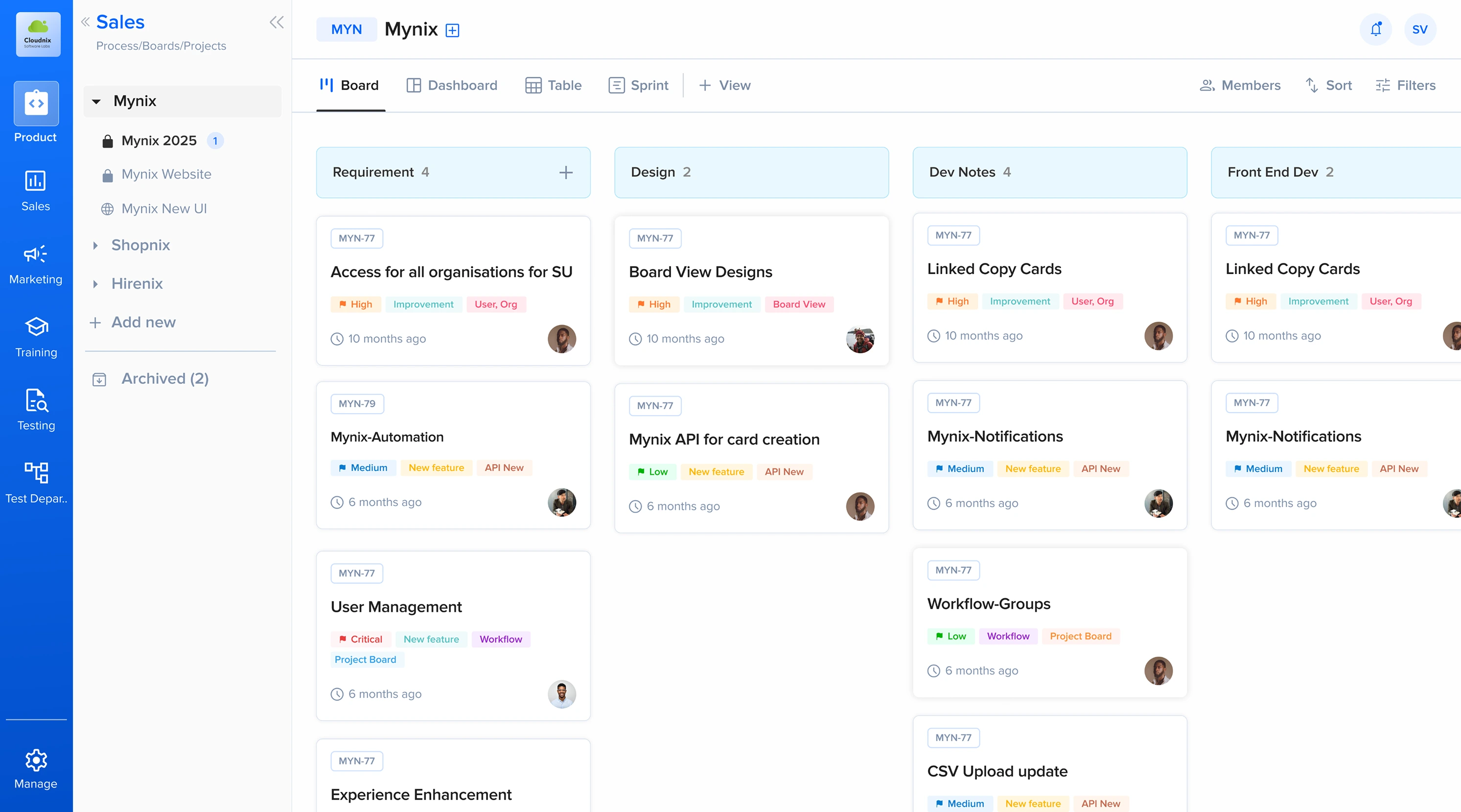
Progress without friction
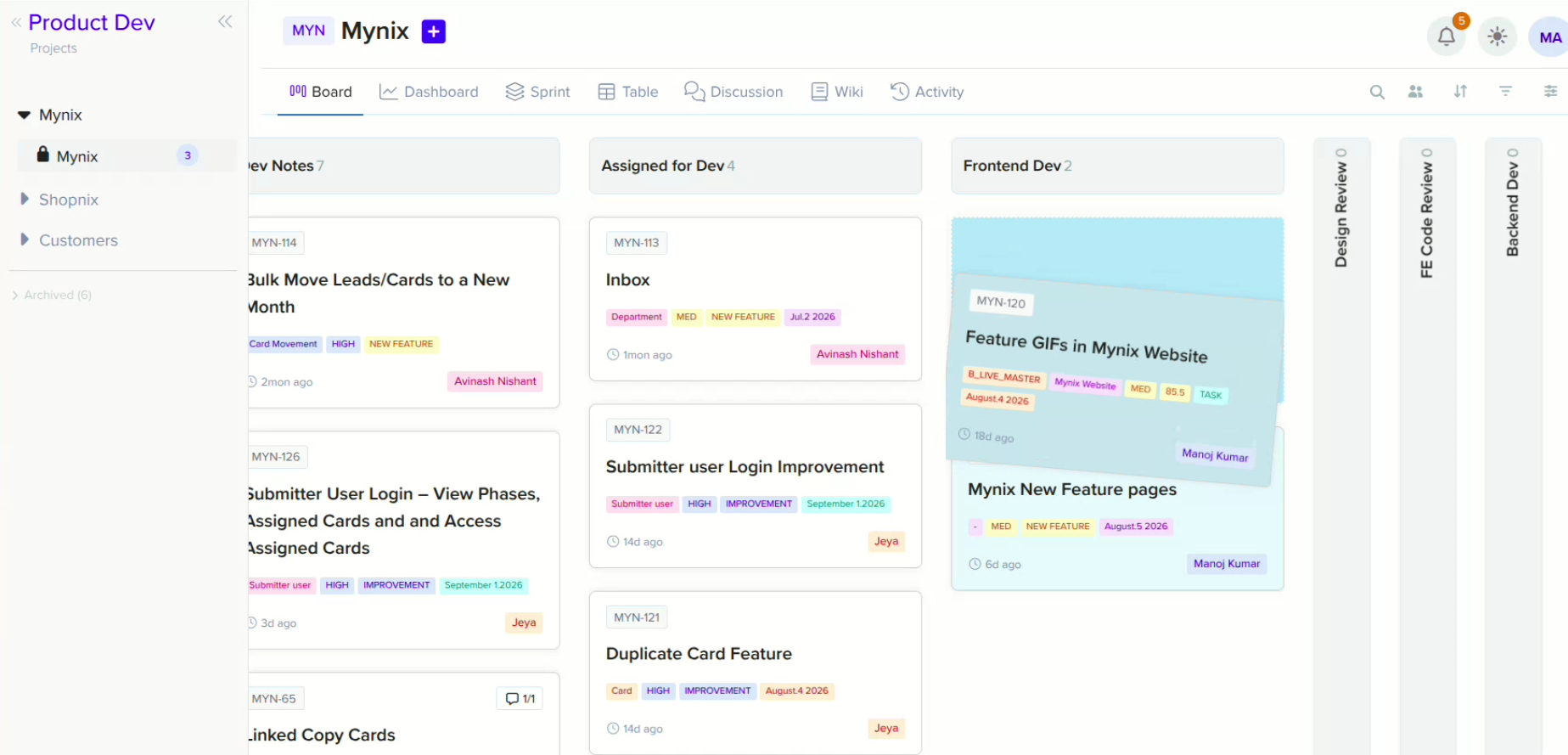
Updating progress shouldn't require opening forms or navigating through menus. Simply drag a card from one phase to another — its position immediately reflects where the work stands in your workflow.
Select the work you want to move.
Drag the card to the appropriate stage.
The card now reflects its current position in the process.
Made for your process
Every team works differently. Kanban View adapts to the workflow you've already defined in Mynix — create phases that represent the stages your work passes through.
Lead → Contacted → Proposal → Won
Backlog → Development → Testing → Done
Ideas → Draft → Review → Published
New → Processing → Verification → Completed
Context where the work lives
A card gives your team the context they need without losing sight of the workflow.
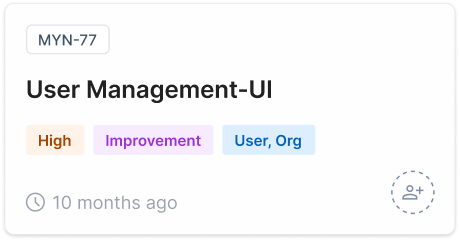
See who is responsible for the work.
Keep upcoming deadlines visible.
Identify important information quickly.
Keep descriptions, attachments, comments, and other context with the work.
A faster read on progress
A quick look at the board tells you what needs attention — no filters, no forms, no opening individual cards.
See work that hasn't started yet.
Know what your team is currently working on.
Identify work accumulating at a particular stage.
See how much work has moved through the workflow.
One view, many teams
Kanban View gives teams a common understanding of where work stands.
Keep tasks moving through defined stages.
Get a quick overview of progress and workload.
Visualize processes that move through repeatable stages.
Track opportunities as they progress through the pipeline.
The complete journey
Kanban View keeps the entire journey visible — the workflow stays in view as work moves forward.
Bring your work into a visual flow and keep every stage easy to understand.