In Progress
Work currently being handled.
Time-boxed work planning
Plan a focused period of work and see what your team needs to accomplish. Sprint View brings selected cards into a dedicated sprint, giving your team a clear view of current work without losing sight of the larger project backlog.
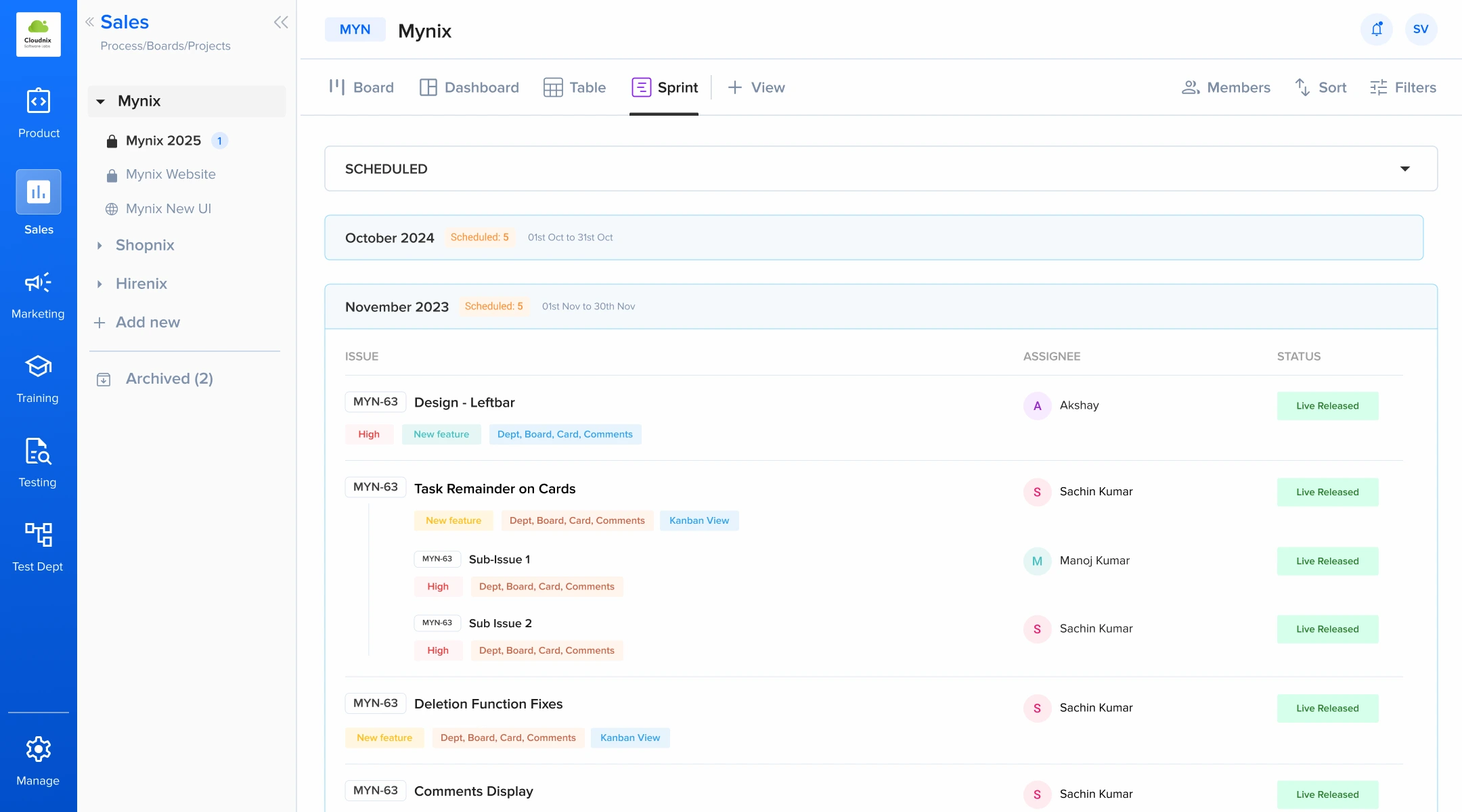
A focused slice of work
Your project backlog can contain everything your team may work on. A sprint narrows that down to the work you're focusing on now.
Work currently being handled.
Work finished during the sprint.
Work planned but not yet started.
Start with intention
Start each sprint with a clear set of priorities.
Define the timeframe for the sprint.
Bring the work that should be addressed into the sprint.
Make responsibilities clear across the team.
Give the team a defined set of work to focus on.
Capacity in view
Sprint View makes team assignments visible while planning and during execution. Quickly identify:
See how assignments are spread across the team.
Connect people to the work they own.
Spot uneven workloads before they slow delivery.
Find unassigned work before the sprint begins.
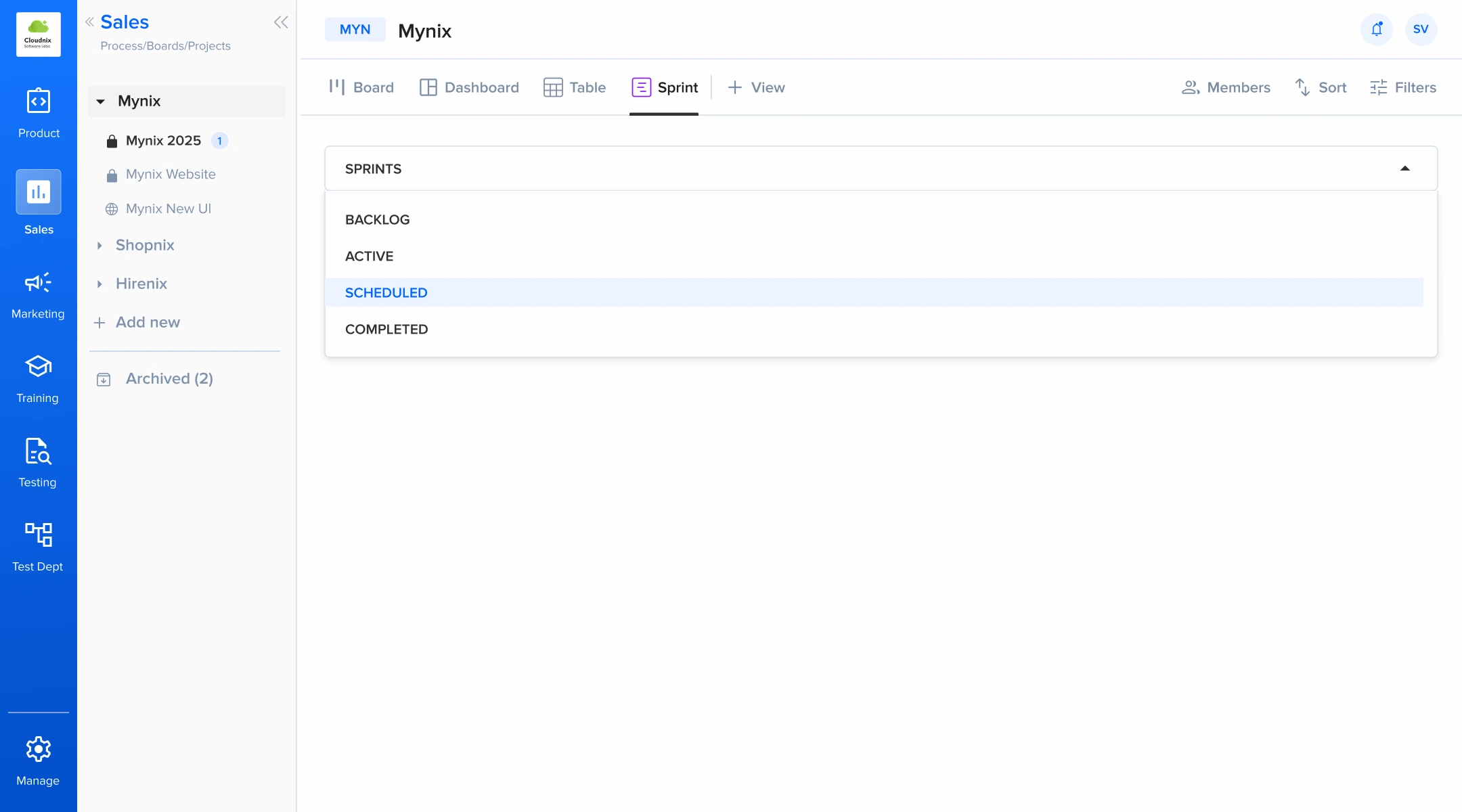
Three states, one view
As the team works, cards move between the three sprint states.
Work is being actively handled.
The work is finished.
Items that remain to be started or addressed later.
Priorities stay flexible
Not every task needs to be part of the current sprint. Keep future work in the project backlog while bringing only the relevant cards into the current sprint.
Built for working cycles
Sprint View works well wherever teams plan work around defined periods.
Plan features, fixes, and improvements for a development cycle.
Organize campaigns, content, and promotional activities for a focused period.
Group research, design tasks, and deliverables into manageable cycles.
Plan recurring operational work and short-term priorities.
A repeatable rhythm
Bring the right work together, understand the workload, and give your team a clear period to focus on.
Give the cycle a clear start and finish.
Select the cards that matter most now.
See responsibilities before execution begins.
Keep progress visible until the sprint is complete.
Bring the right work together, understand the workload, and give your team a clear period to focus on.