Text & numbers
Single line, multi line, number, currency, and percentage fields for concise or measured information.
Customization · data structure
Build dynamic forms and structured data collection systems with 15+ field types, validation rules, formulas, lookups, and conditional logic. Capture information in the right format from the start.
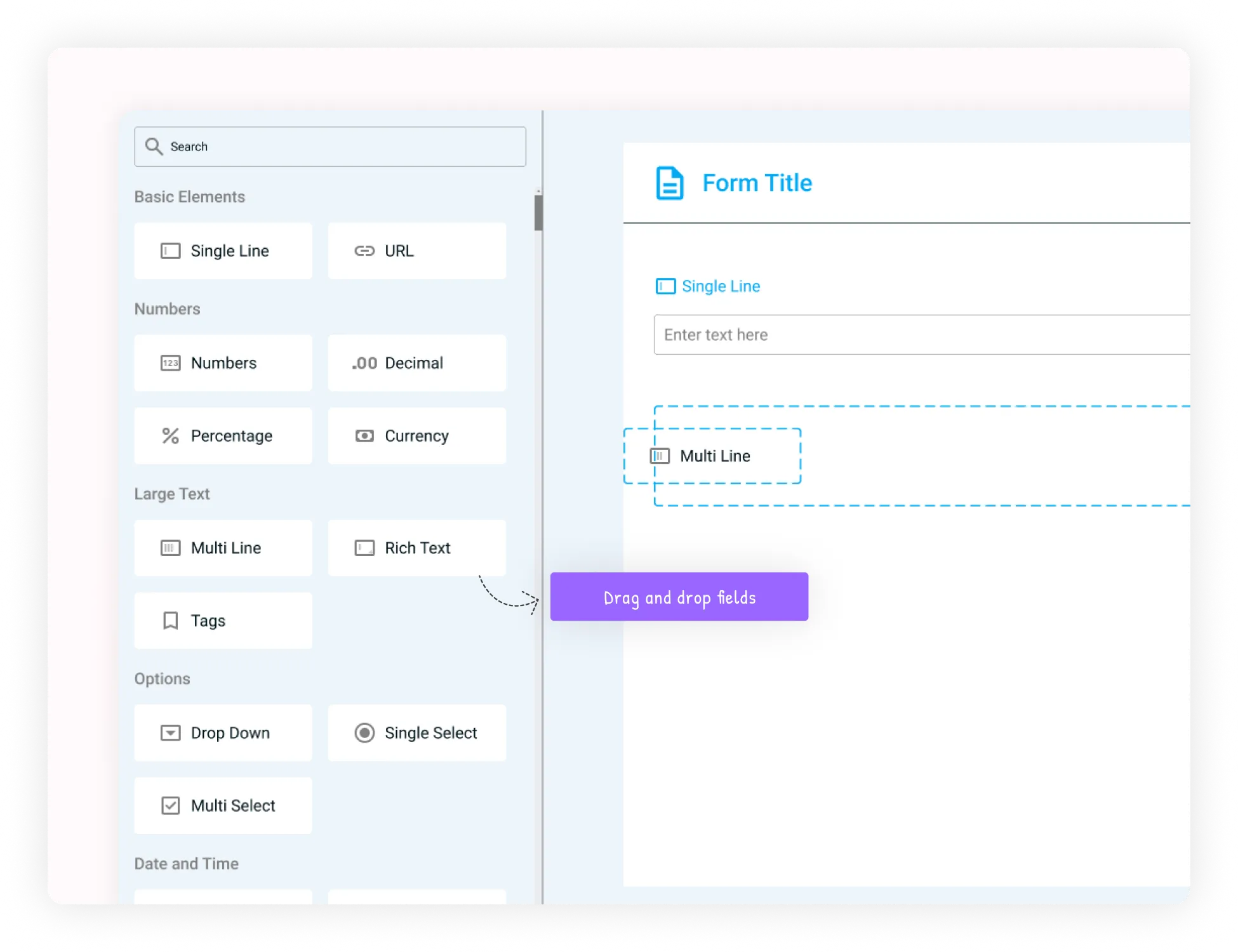
Design the data structure
Custom Field Creation gives you control over exactly what each workflow captures. Choose a field type, configure how it behaves, define validation, and control how it appears to users.
Capture consistent information that is ready for operations, reporting, dashboards, and analytics.
Define the structure around your organisation's real processes.
Set required values, formats, constraints, and defaults.
Show or hide fields based on choices made elsewhere.
Give dashboards and analytics reliable, consistent source data.
A field library for real work
Use simple inputs for everyday capture and advanced fields when the workflow needs structure, relationships, or ownership.
Single line, multi line, number, currency, and percentage fields for concise or measured information.
Capture deadlines, timestamps, schedules, milestones, and time-based information.
Standardize categories, tags, priorities, statuses, departments, and classifications.
Collect attachments, external resources, assigned users, and record ownership.
15+ field types
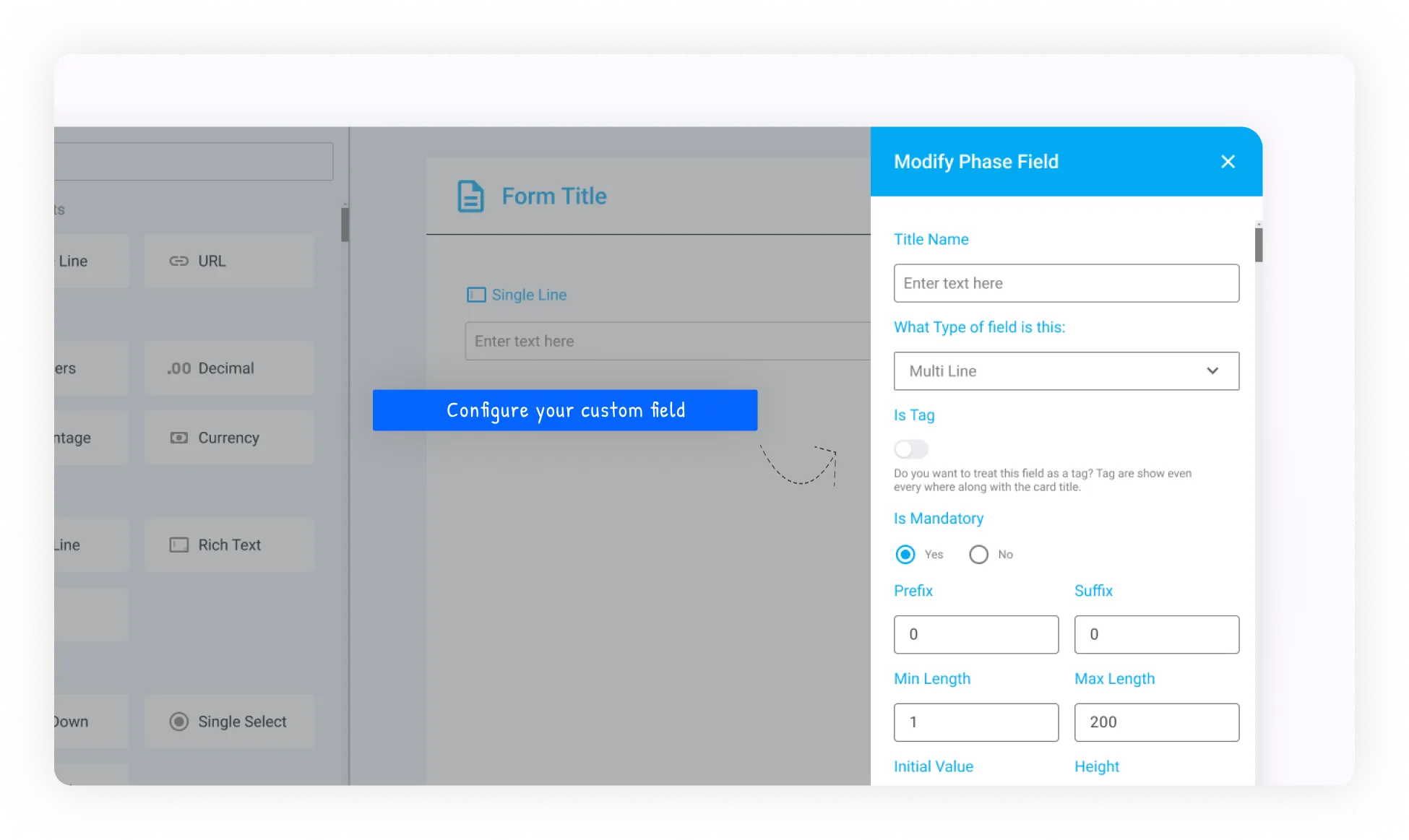
Configure every field around its purpose
Every field can carry the context users need and the rules the workflow requires.
Add intelligence to fields
Smart capabilities help forms calculate, connect, validate, adapt, and stay logical as the workflow changes.
Calculate values such as Hours × Hourly_Rate automatically.
Retrieve related information from another workflow or data source.
Require values, accepted formats, and constraints before submission.
Show or hide fields depending on selections elsewhere in the form.
Field type reference
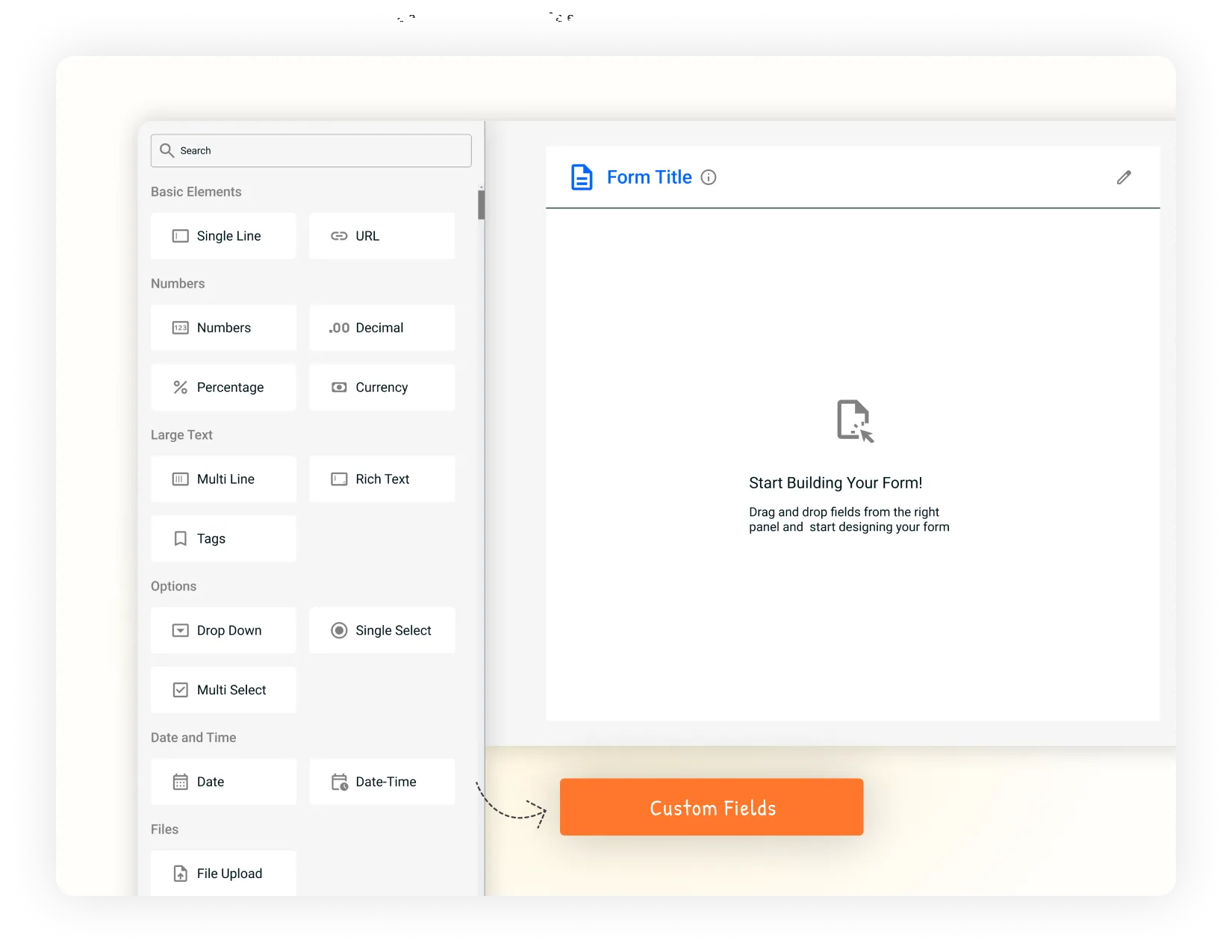
Start with the type of information you need to collect, then configure the field around its purpose.
Capture names, titles, short descriptions, identifiers, and other concise text.
Collect comments, descriptions, detailed notes, and longer responses.
Store quantities, counts, IDs, budgets, financial amounts, completion rates, discounts, and probabilities.
Capture deadlines, timestamps, schedules, milestones, and other time-based information.
Standardize choices through predefined categories, tags, or multiple selections.
Collect documents and images, store reference links, and connect records to responsible team members.
Validation at the point of entry
Define required values, accepted formats, and constraints before a form can be submitted. This reduces cleanup later and keeps information reliable from the beginning.
Single Line Text · Required · Valid email format
A complete field definition
A field can carry a label, description, default value, display option, validation rule, order, and group so the form remains clear and predictable.
Name the field clearly and explain what information users should provide.
Pre-populate common information and control how the field is presented.
Define required values, formats, and constraints before data is accepted.
Place related fields together in a logical sequence for faster completion.
Automate calculations and connections
Formula fields remove repeated calculations, while lookup fields retrieve information that already exists elsewhere. A project can calculate Total Budget = Hours × Hourly_Rate, or populate a client phone number from a selected Client_Name.
Examples in the field
Controlled choices
Dropdown and multi-select fields keep categories, priorities, statuses, departments, classifications, and tags consistent across the workflow.
Red · Immediate attention
Orange · Important work
Blue · Planned priority
Gray · Can wait
Create fields for real business processes
Priority levels, issue categories, resolution times, and customer satisfaction ratings.
Deal value formulas, lead sources, probability percentages, and next-contact reminders.
Skill matrices, interview scores, salary expectations, and background-check status.
Budget versus actual formulas, resource allocation dropdowns, milestone dates, and risk assessment matrices.
Quality score calculations, inventory levels, production batch numbers, and equipment status indicators.
From data entry to reliable business data
The value of custom fields is not collecting more information. It is creating information that is precise, connected, validated, and ready for decisions.
Collect only the information relevant to each workflow.
Automate calculations and retrieve related information instead of entering it repeatedly.
Validate information at the point of entry rather than correcting it later.
Use clear options, defaults, and conditional fields to make forms easier to complete.
Give dashboards, analytics, and business intelligence cleaner structured data.
Build the right data structure
Start with the information your process needs, choose the fields, add the rules, and deploy them directly into your workflow.
Identify what each workflow needs to capture.
Select types and configure the form structure.
Apply validation, formulas, lookups, and conditions.
Put structured information to work across the workflow.
Give every workflow the structure it needs without requiring code.