Pending actions stay hidden
A missing document, approval or inspection can hold up the next milestone without a clear shared view.
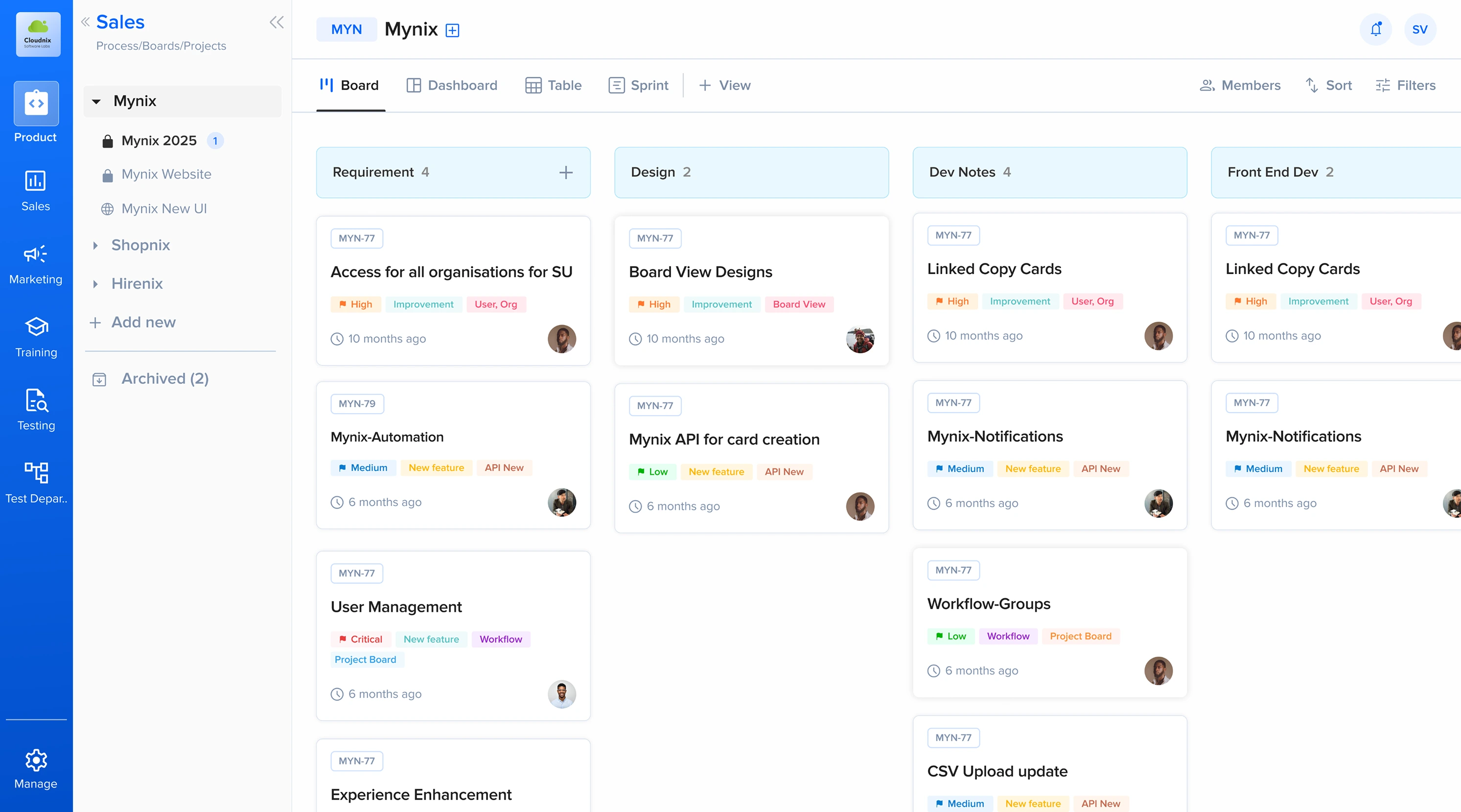
Mynix brings leads, property records, transaction workflows and handovers together—so sales, finance and operations can track progress, own the next step and keep buyer journeys moving.
See how a configurable workflow can fit your team’s process.
The operational challenge
Sales makes a promise. Operations prepares the unit. Finance follows up on milestones. Customer teams answer questions. When updates live in separate places, the handoffs become the hard part.
A missing document, approval or inspection can hold up the next milestone without a clear shared view.
Important context gets split across chats, calls, spreadsheets and individual inboxes.
When work moves between departments, the next owner and due action may not be obvious.
It takes effort to understand which transactions need attention and where work is getting held up.
How Mynix helps real estate teams
Use Mynix workflows to keep buyer and property information together, coordinate team handoffs and spot pending work.
01 / Custom workflows
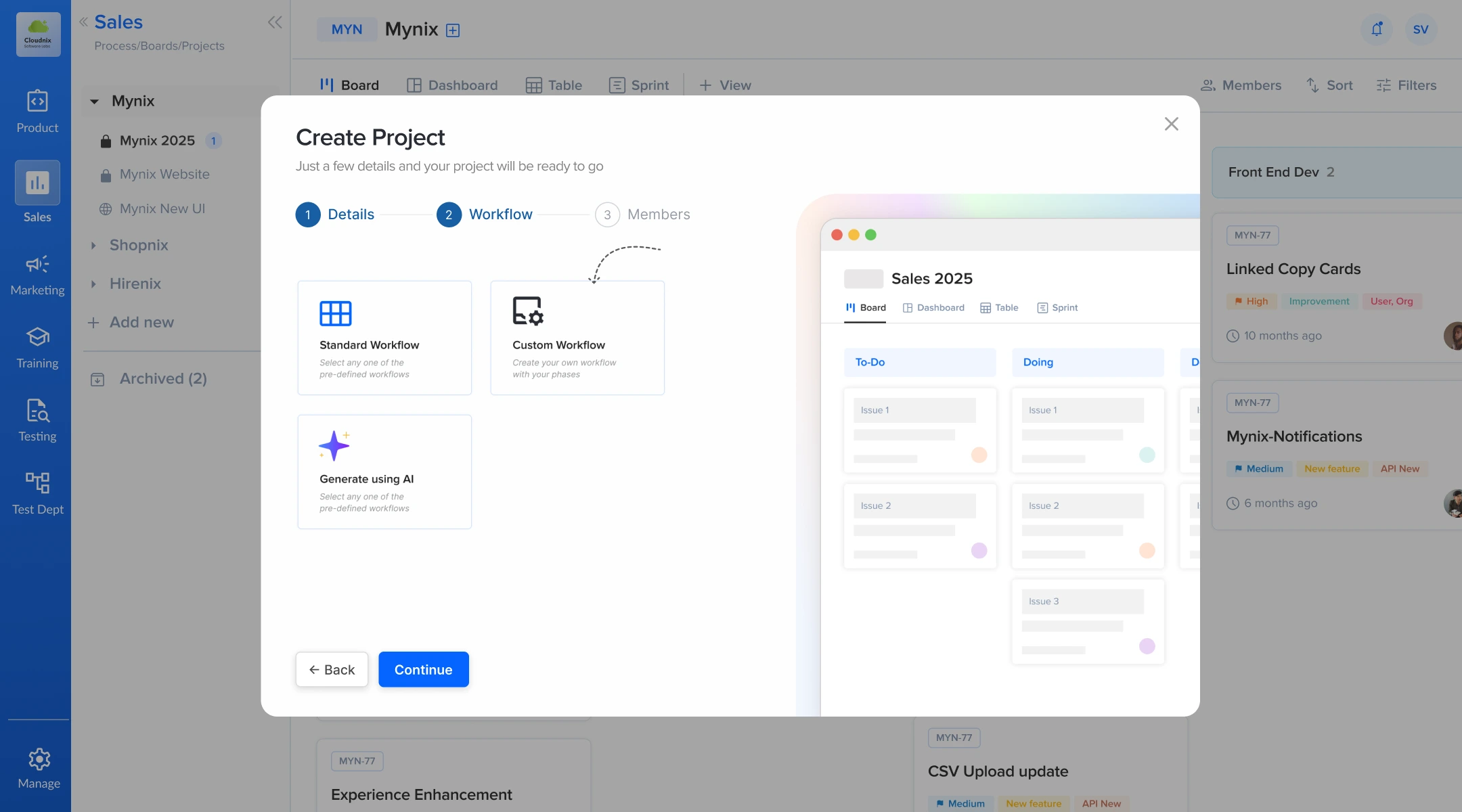
Use configurable phases, forms and assignees to map the steps in your sales, transaction or handover process. For example, a team can define stages such as enquiry, site visit, booking, documentation, possession preparation and completed.
02 / Custom forms and fields
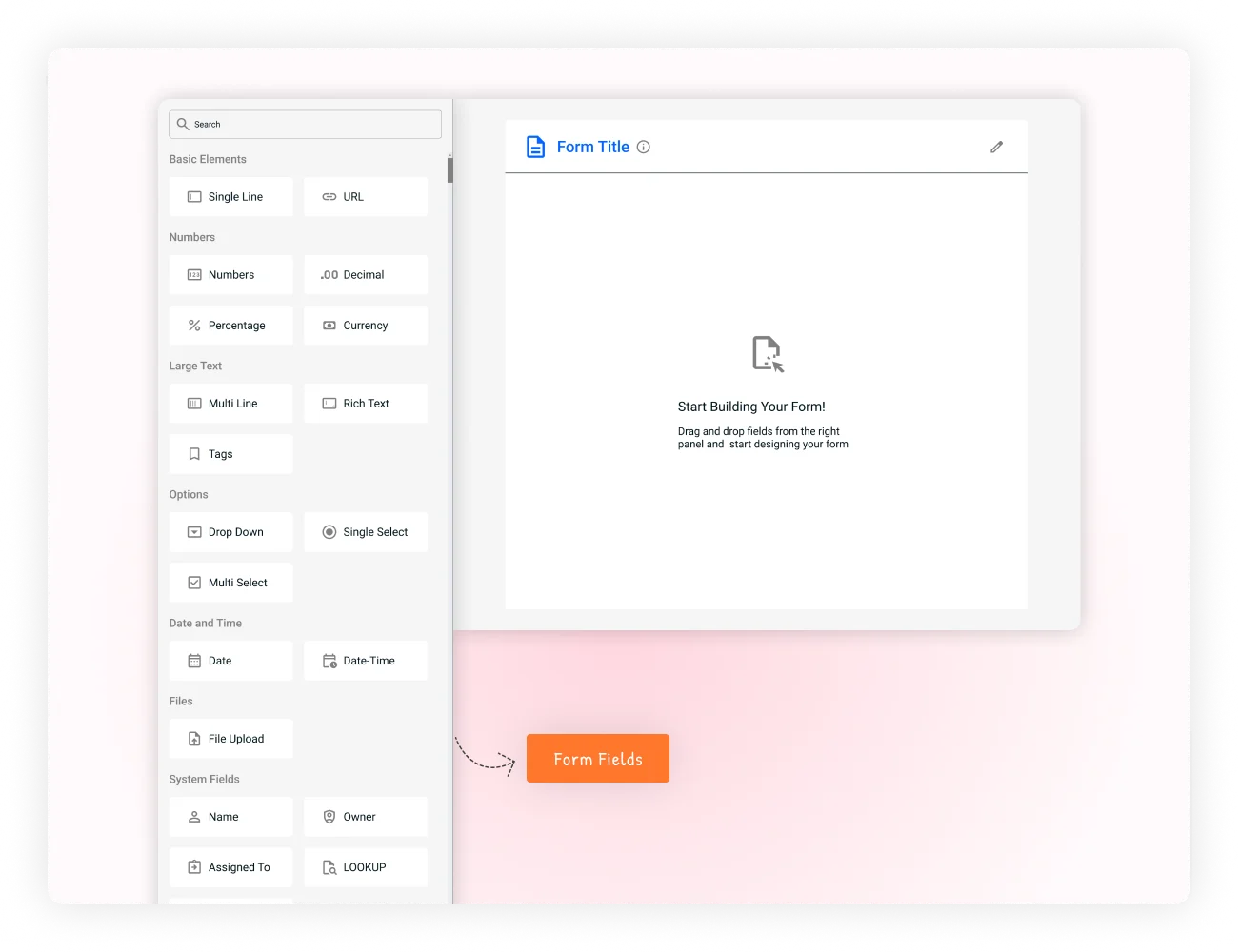
Create forms to collect consistent information instead of relying on different spreadsheets for each team. Add the fields your process needs, such as contact details, unit references, document status, milestone dates or inspection notes.

03 / Tasks, owners and reminders
Turn a pending buyer document, payment follow-up, site inspection or maintenance request into a task with an assignee and due date. Mynix reminders help the responsible team member stay aware of work that needs attention.

04 / Dashboards and analytics
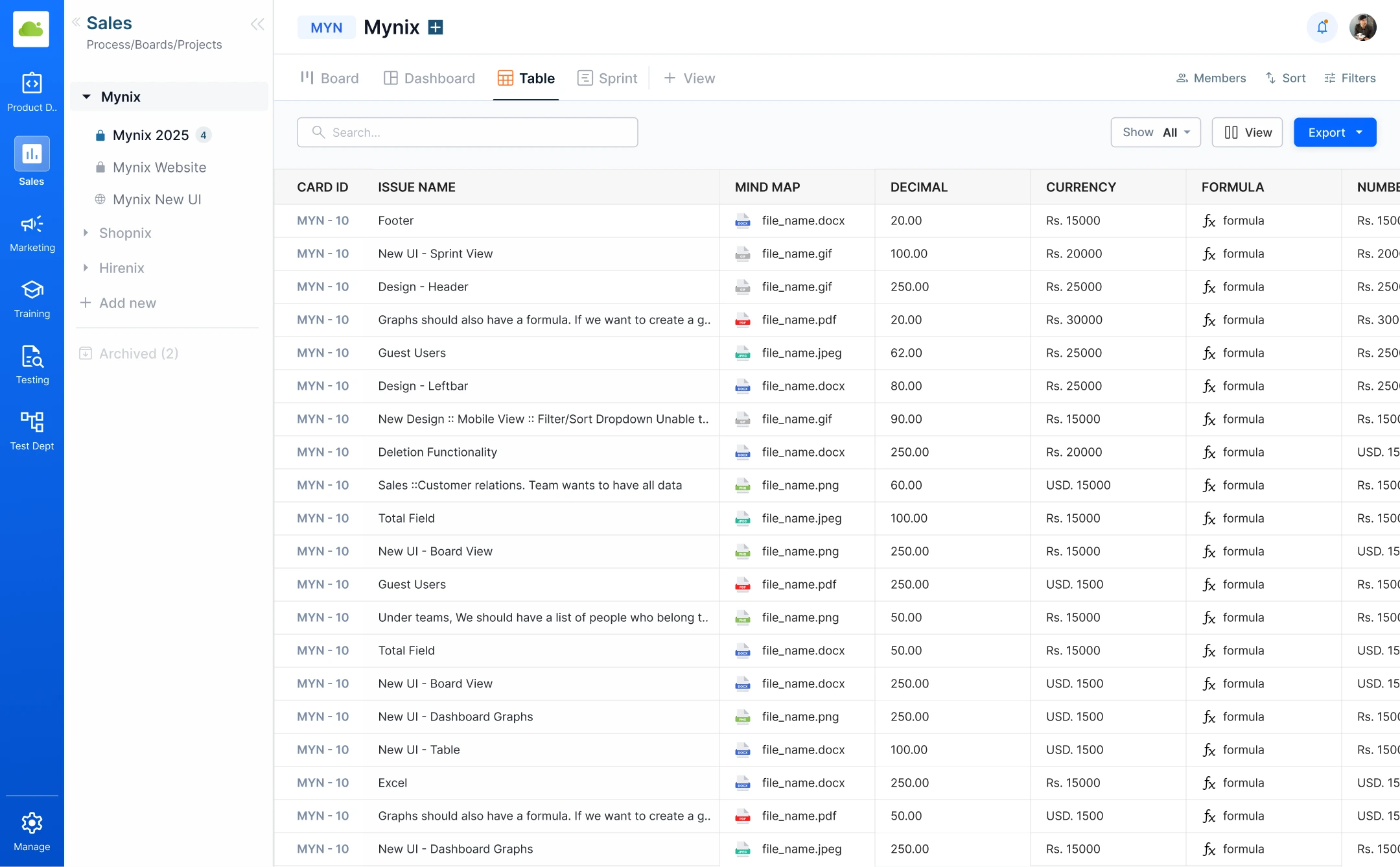
Use dashboard widgets to review work across workflow phases and team workloads. Build a management view around the questions you need to answer, such as which transactions are waiting on an action or how handovers are progressing.
From booking to keys
Give every milestone a clear owner, useful context and an obvious next action—so the buyer experience keeps moving across teams.
Capture buyer needs and assign the first follow-up while the conversation is fresh.
Keep property interest, visit notes and the next contact together in one record.
Link the buyer to a unit and make upcoming milestones visible to the right teams.
Track document requirements, pending actions and the people responsible for each.
Coordinate readiness checks and keep the final handoff easy to follow.
Your team can adapt the stages, forms and handoffs to match its own process.
One shared journey
When a buyer or property moves to its next milestone, the context moves with it. Sales, finance and operations can see what is done, what is waiting and who owns the next step.
Frequently asked questions
Want to talk through a specific process? Our team can help you explore how it might fit.
Talk to our teamTeams can configure workflows for leads, property records, transactions, documents, handovers, lease and maintenance requests, and related follow-ups.
A clearer next step
See how one shared workspace can help your teams coordinate buyer journeys and day-to-day property operations.